Deliver Live Streams at 2–5 Second Latency.
No buffering delays. No compatibility headaches. No compromises on quality.
LL-HLS Plugin cuts live streaming latency from 8–12 seconds down to just 2–5 seconds — without changing your existing ingest workflow or sacrificing player compatibility.
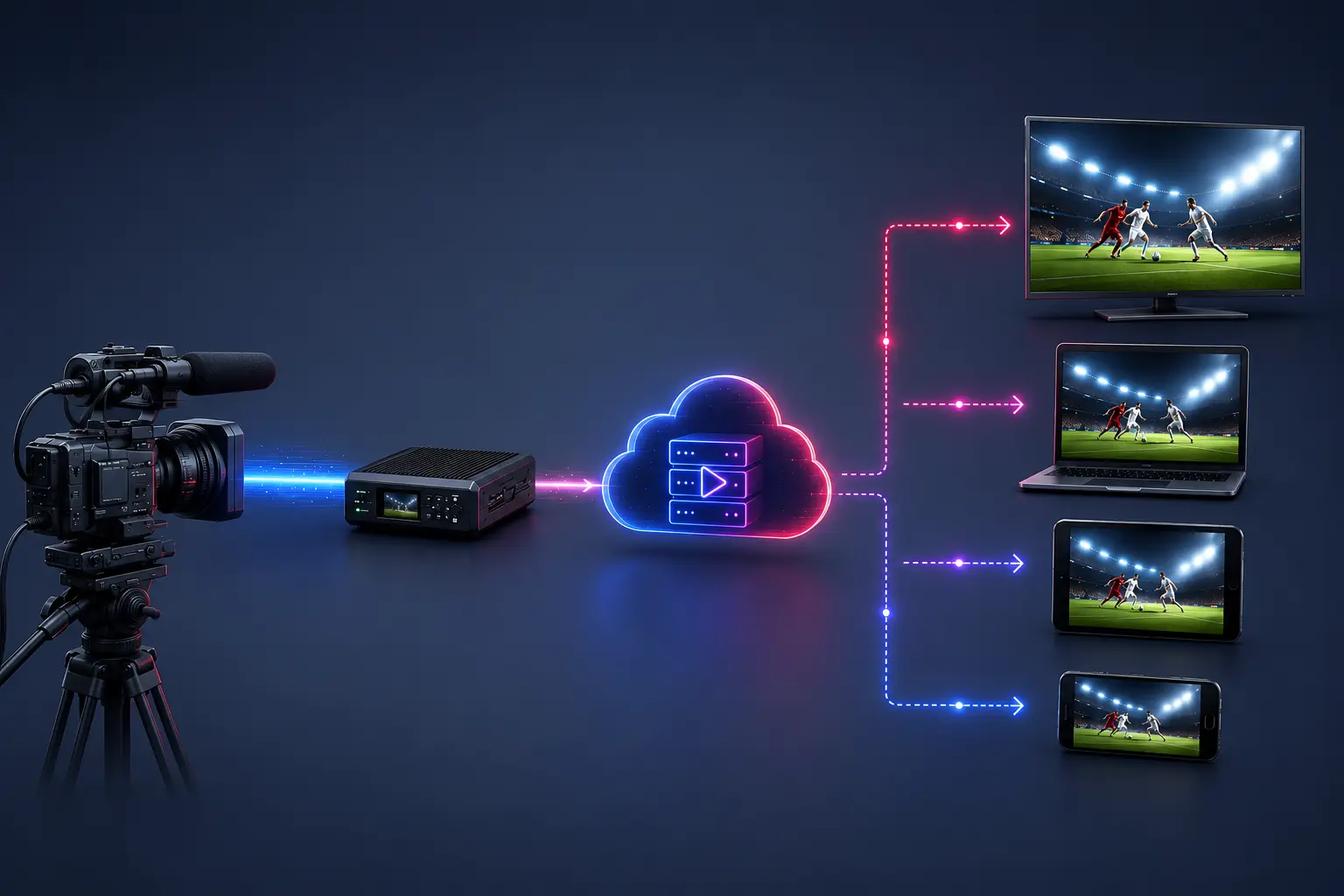
What is the LL-HLS Plugin
Low-Latency HLS (LL-HLS) is a modern streaming protocol designed to minimize latency in live streaming. Traditional HLS typically delivers 8–12 seconds of latency. The LL-HLS Plugin for Ant Media Server reduces this to just 2–5 seconds — lower than HD cable TV — without sacrificing video quality or compatibility.
The plugin works with all ingest protocols supported by Ant Media Server: RTMP, WebRTC, SRT, RTSP, WHIP, and more. Once installed, every stream published to a configured application is automatically available as an LL-HLS endpoint alongside the standard HLS stream. Learn more about LL-HLS in Ant Media Server →
| Streaming Method | Typical Latency | Best For |
|---|---|---|
| Standard HLS | 8–12 seconds | Large-scale VOD & live broadcasting |
| LL-HLS Plugin (this plugin) | 2–5 seconds | Live sports, news, auctions, events |
| WebRTC | < 0.5 seconds | Real-time interactive communication |
LL-HLS Features - Everything You Need for Low-Latency Live Streaming
Deliver ultra-low latency live streaming with broad compatibility, adaptive playback, and flexible ingest support for modern streaming workflows.
Ultra-Low Latency
Delivers live streams with just 2–5 seconds of end-to-end latency — dramatically lower than standard HLS, keeping viewers in sync with the live action.
All Ingest Protocols Supported
Works with streams published via RTMP, WebRTC, SRT, RTSP, WHIP, and more — no changes needed to your existing ingest workflow.
Broad Player Compatibility
Supported by hls.js, AVPlayer (iOS), ExoPlayer (Android), THEOPlayer, JW Player, Video.js, and Dolby Player — covering virtually every major playback environment.
Per-Application Configuration
Fine-tune LL-HLS settings independently for each Ant Media application via the Advanced Settings JSON panel — full control without affecting other streams.
AMS Embedded Player Support
From AMS v2.12+, the built-in Ant Media player (play.html) supports LL-HLS playback out of the box — no third-party player setup required.
Adaptive Bitrate (ABR) Compatible
Works seamlessly with Ant Media's ABR transcoding to serve the best quality for each viewer's connection — smooth, automatic quality switching at ultra-low latency.
How LL-HLS Works
1. Smaller Segment Parts
Instead of waiting for a full 6–10 second segment to complete, LL-HLS breaks each segment into smaller parts (typically ~1 second). Players can begin downloading and playing parts before the full segment is ready.
2. Preload Hints
The server tells the player what the next part will be before it is finished, so the player can request it immediately when it becomes available — eliminating waiting time between parts.
3. Delta Playlist Updates
Instead of re-downloading the entire playlist on each refresh, the player receives only the changes (delta) since its last request, reducing overhead and speeding up updates.
4. Rendition Reports
The server reports the latest sequence numbers for each available quality rendition, allowing fast and accurate ABR switching without extra round-trips.
What You Need to Get Started
- Ant Media Server Enterprise Edition v2.12 or later
- LL-HLS Plugin ZIP file
- Root or sudo access to your Ant Media server
- Adaptive Bitrate (ABR) enabled on your Ant Media application
- GOP size set to 1–2 seconds maximum in your encoder (e.g., 30 or 60 frames at 30 fps)
⚠ IMPORTANT — Stream Configuration Requirements: For LL-HLS to work correctly, Adaptive Bitrate (ABR) must be enabled on the Ant Media application and GOP size must be 1 or 2 seconds maximum (e.g., 30 or 60 frames at 30 fps). If using hardware encoding (h264_nvenc), set rc=cbr, gop_size=60, and no-scenecut=1.
Installation & Configuration
The LL-HLS plugin is installed by extracting the provided ZIP file and running the included install script. After installation, configure LL-HLS settings per application via the Ant Media Advanced Settings JSON panel.
For complete step-by-step installation, configuration, and advanced settings documentation, refer to the official LL-HLS Installation Guide.
Ready to Cut Your Stream Latency to Under 5 Seconds?
One plugin install. No ingest changes. Lower latency for sports, news, auctions, and live events — starting today.