Streaming high-quality video content to a large audience demands a robust infrastructure. In this guide, we’ll explore how to harness the power of Google Cloud CDN alongside Ant Media Server to deliver HLS streams seamlessly to millions of viewers worldwide.
Table of Contents
What is Google Cloud CDN?
Google Cloud CDN stands as a global network of edge servers strategically positioned across the globe. Leveraging Google’s distributed points of presence (PoPs), it optimizes content delivery by caching data at these edge locations. This proximity reduces latency, ensuring swift and reliable access to content for end-users.
What Are The Prerequisites?
Before diving into configuration, ensure the following services are enabled on your Google Cloud Account.
- Google Cloud Marketplace
- Compute Engine
- Load Balancing
- Cloud CDN
Launch Ant Media Server Enterprise Edition
Ant Media Server Enterprise Edition is available on Google Cloud Marketplace.
- Access the Google Cloud Marketplace service and locate the Ant Media Server Enterprise Edition.
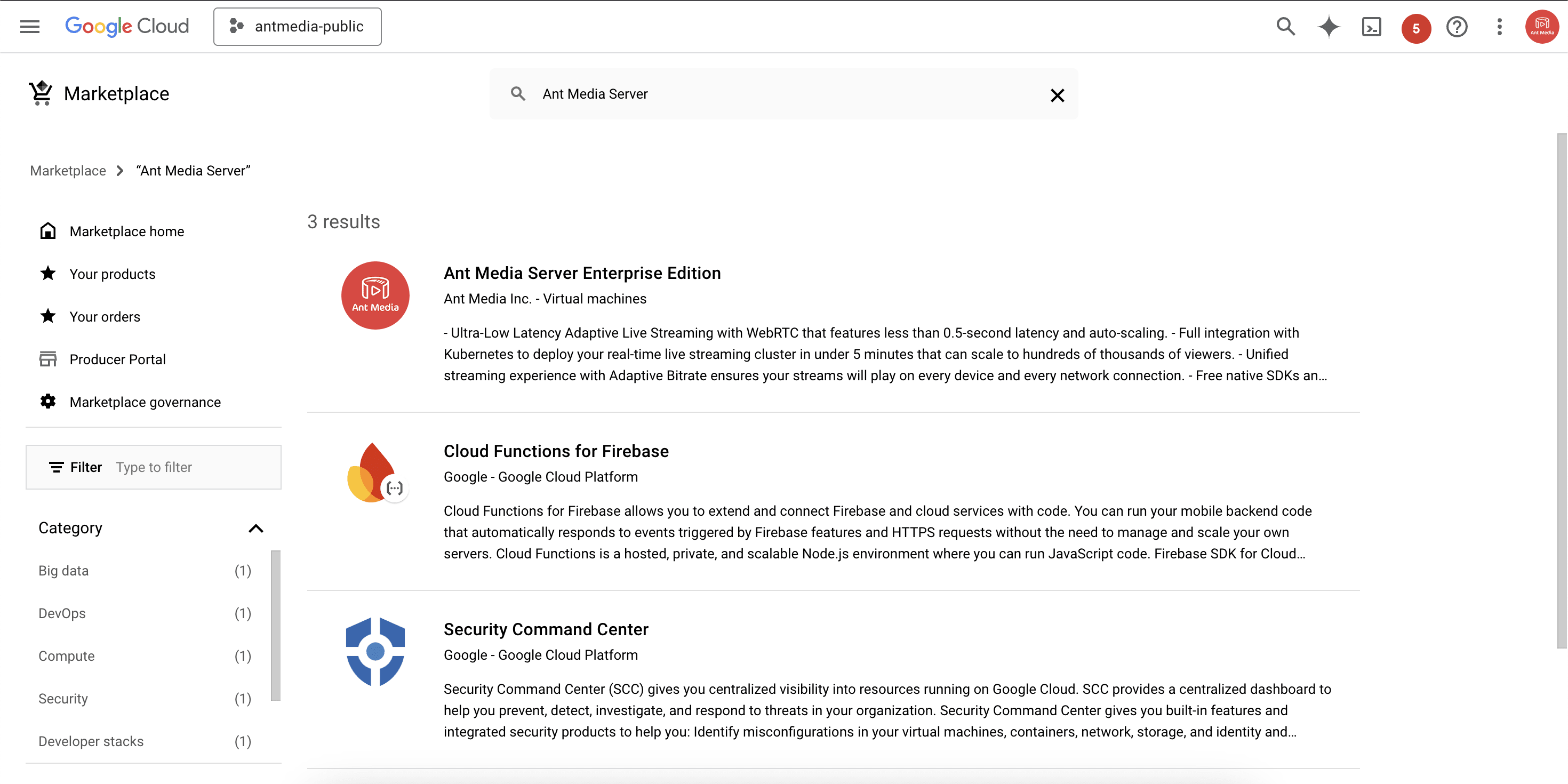
- Initiate the installation process by clicking the Launch button.
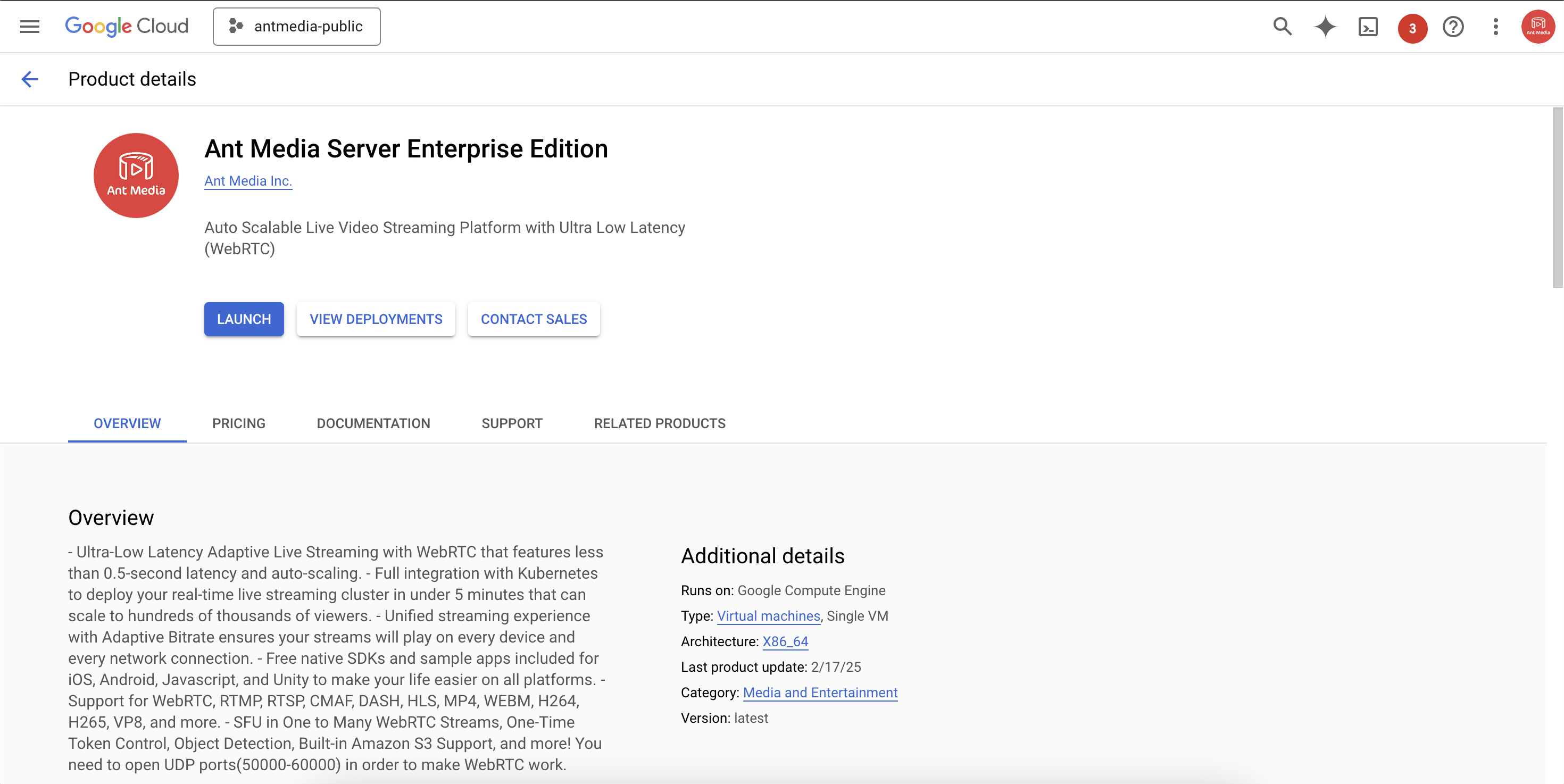
- Note the External IP address upon completion, as it will be used later.
Configuring Google Cloud CDN
Now that we have successfully launched the Ant Media Server on the Google Cloud Marketplace, let’s configure the Cloud CDN.
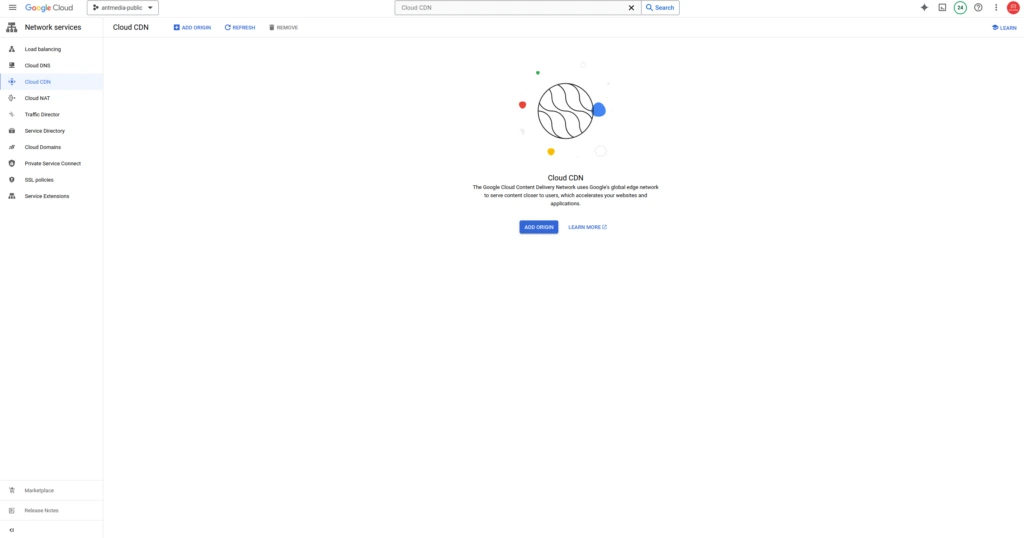
- Navigate to the Cloud CDN service and select ADD ORIGIN.
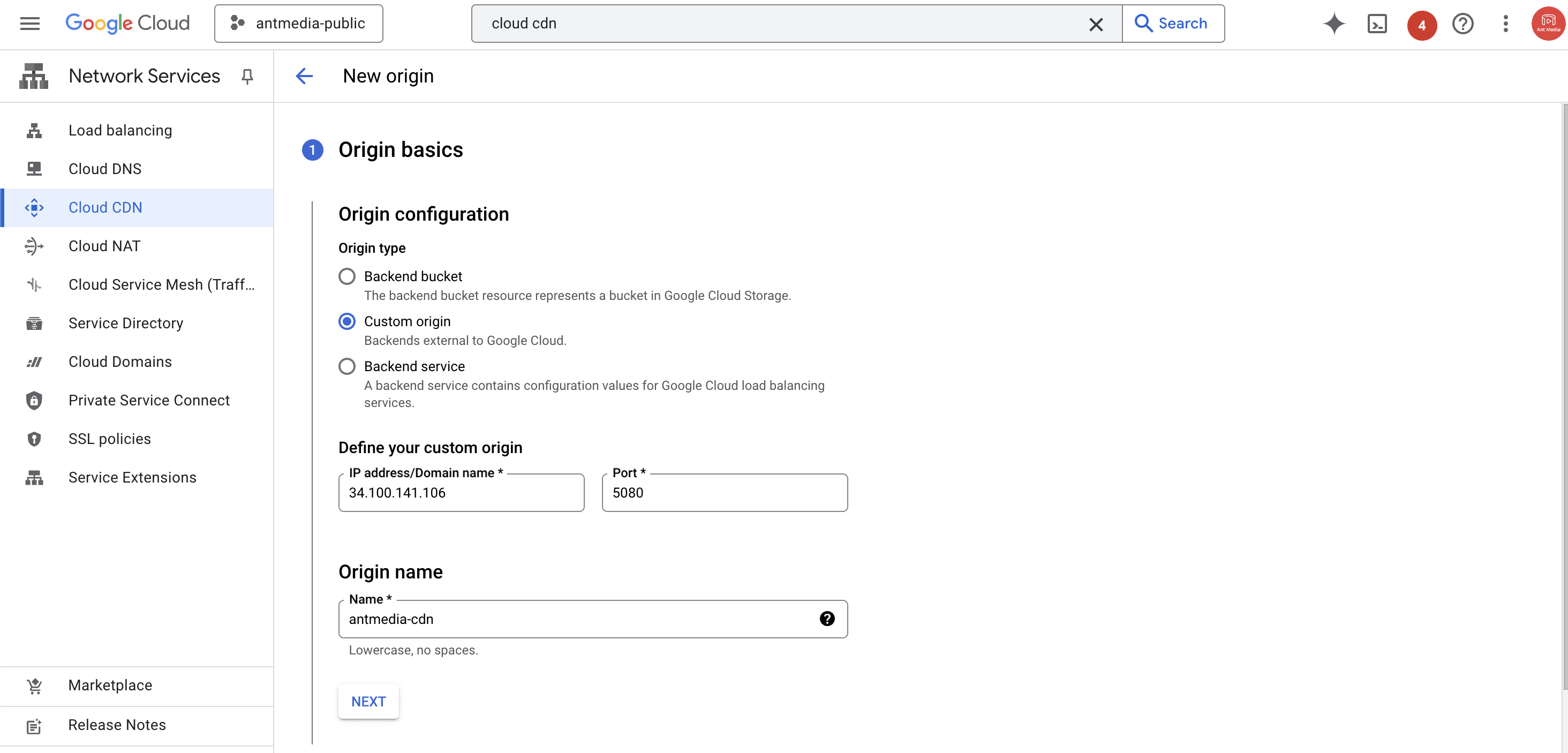
- Choose Custom Origin and input the External IP address of the Ant Media Server Enterprise instance with port 5080. Specify the Origin Name and click Next.
- Select Create new load balancer for me, enter the Load Balancer Name, and continue with Next.

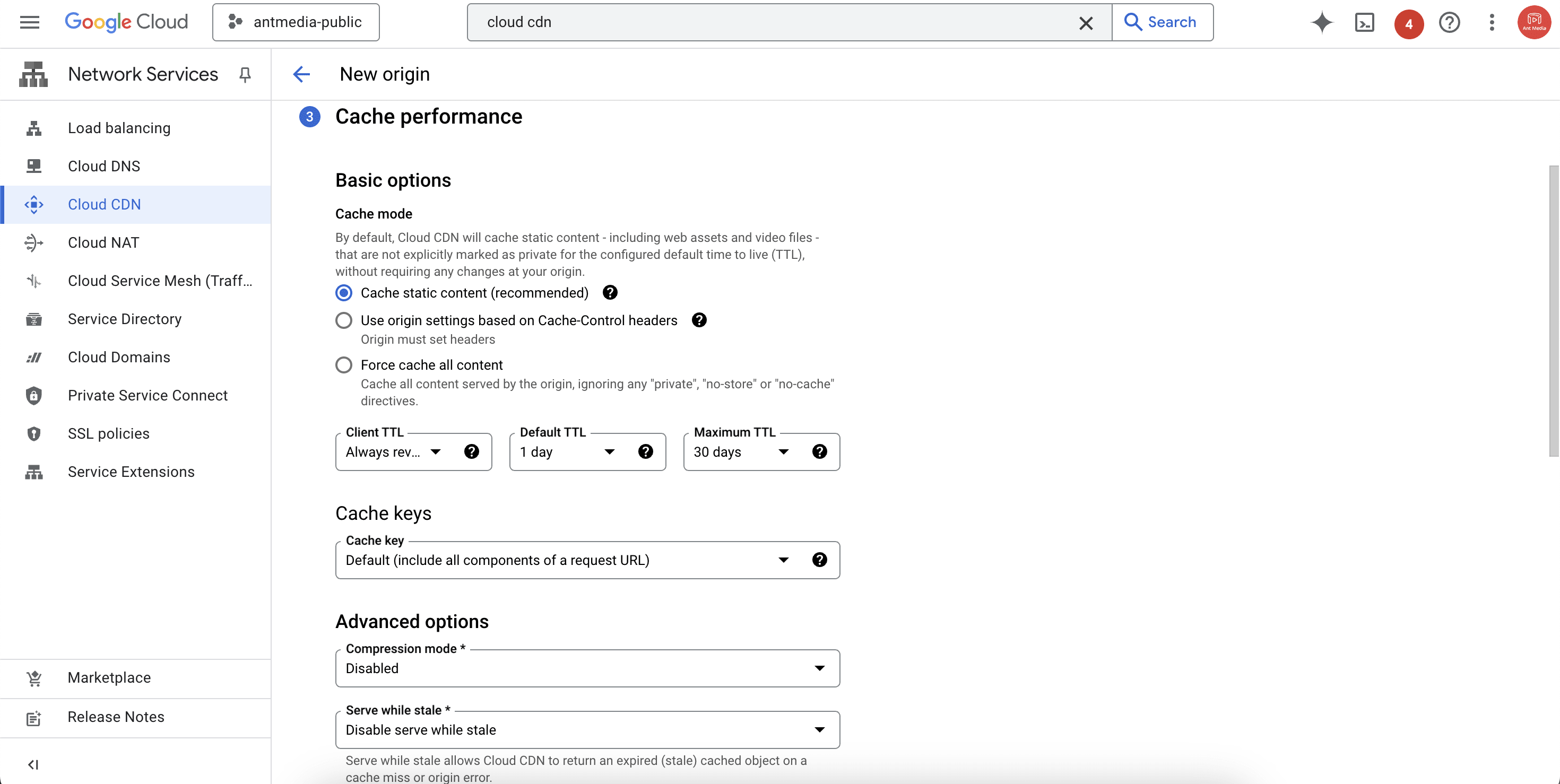
- Configure TTL settings, leave the other settings to default, and click Done to finalize the installation.
Publishing a Live Stream with Ant Media Server
Now that we have everything set, let’s broadcast a live stream in Ant Media Server following the Publish Live Stream instructions and note the Stream Id.
- For this demo, I’m going to publish a RTMP stream using the OBS tool.
- Create the HLS playback URL using your cloud CDN load balancer IP address in the following format:
http://your_cloudcdn_load_balancer_ip_address/WebRTCAppEE/play.html?id=your_stream_id&playOrder=hlsLaunch the URL in your browser to verify the stream playback, now distributed seamlessly via the CDN.

Frequently Asked Questions
What is Google Cloud CDN, and why use it with Ant Media Server?
It is a global content delivery network that caches HLS streams at edge locations to reduce latency and improve delivery performance when used with Ant Media Server.
Do I need a load balancer to use this CDN with Ant Media?
Yes. When you enable the CDN, you set up a load balancer that routes traffic to your Ant Media Server origin, enabling CDN caching and efficient HLS delivery.
Does using this CDN add to latency?
No. Using the Google CDN with Ant Media usually improves the playback experience by serving content from geographically closer edge locations, which lowers latency.
Conclusion
In this guide, we’ve elucidated the process of configuring Google Cloud CDN with Ant Media Server for HLS streaming. By following these steps, you can ensure efficient content delivery to your audience, enhancing their viewing experience.
If you have questions or need any type of support, contact us via a form or schedule a meeting to have a coffee and chat, or write directly to [email protected] so that we can democratize live streaming together.