
Every live stream you watch depends on a codec. Without one, delivering video over the internet would be practically impossible. Codecs sit at the core of every streaming pipeline — from WebRTC real-time broadcasts to HLS delivery at scale.
That’s why understanding codecs matters. A codec is a software or hardware algorithm that compresses digital media for transmission and decompresses it for playback. The right codec determines your stream quality, your bandwidth cost, and your viewers’ experience. Choose the wrong one and you’re either burning bandwidth or sacrificing quality you can’t get back.
Ant Media Server supports H.264, H.265/HEVC, VP8, and AV1 video codecs alongside Opus and AAC audio — covering every major streaming protocol in production use today. But knowing which codec to use for which use case is where most teams get stuck.
This guide walks through what codecs are, how they work, the types available, and how to pick the right one for your streaming goals.
Let’s get into it.
What is a Codec?
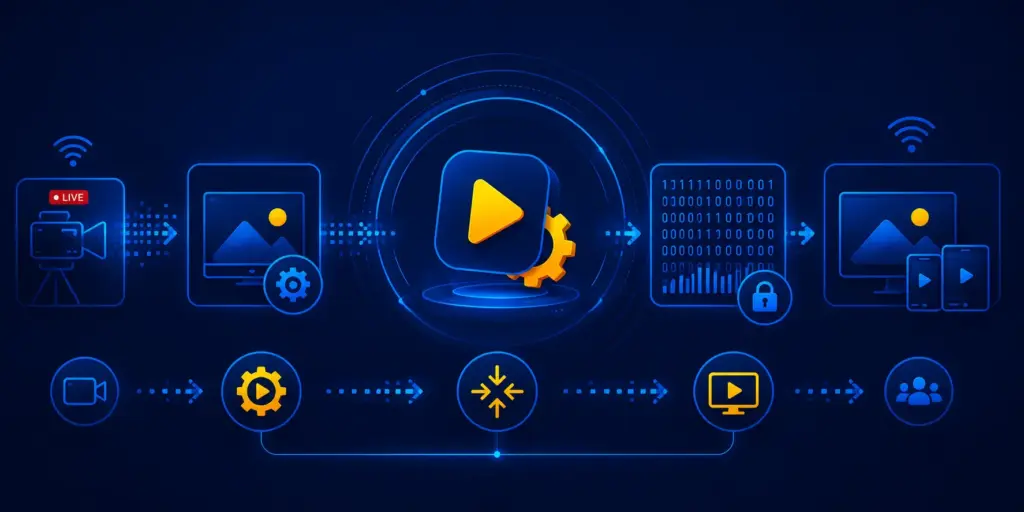
A codec is a software or hardware algorithm that compresses raw digital media for transmission and decompresses it for playback. The word derives from coder-decoder. Without a codec, an uncompressed 1080p video stream at 60 frames per second requires approximately 1.5 Gbps of bandwidth — an amount that renders live delivery over the public internet infeasible.
Codecs solve this by eliminating redundant spatial data within frames (intra-frame compression) and temporal data across consecutive frames (inter-frame compression). The result is a compact bitstream that travels from encoder to decoder with a fraction of the original data volume. At the decoder, the algorithm reconstructs the media for display with minimal perceptible quality loss.
In a live streaming pipeline, a codec operates at two points: the encoder (broadcast side) and the decoder (viewer side). Ant Media Server forwards an incoming stream directly to an output when the output protocol supports the same codec — an RTMP stream carrying H.264 video and AAC audio passes through to HLS output with both codecs unchanged. When the output protocol requires a different codec, Ant Media Server changes the codec on the server side by decoding and re-encoding the stream to the target format. An RTMP stream with AAC audio served over WebRTC is one example: WebRTC supports Opus audio, so Ant Media Server converts the AAC track to Opus.
How Codecs Work
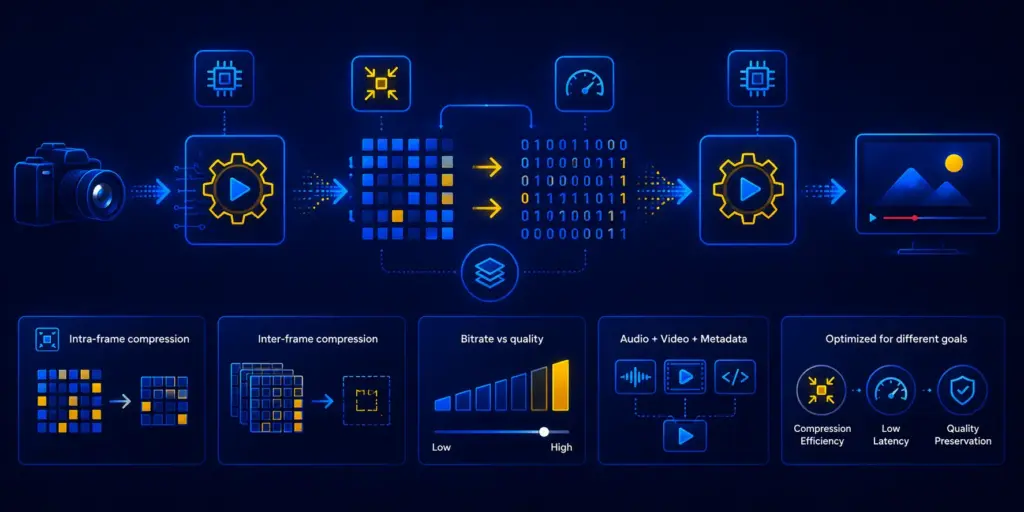
A codec’s primary function is the transformation of data. The process involves compressing raw media into a compact bitstream for transmission, then reconstructing it at the decoder for playback.
For video codecs, specific software algorithms are instrumental. These algorithms either run on a general-purpose CPU or specially optimized hardware. Several modern devices come equipped with hardware specifically designed for video codec processing.
Codec compression works in two layers. Intra-frame compression removes redundant data within a single frame. Inter-frame compression goes further — encoding only the difference between consecutive frames rather than each full frame. At 30fps, most frames change by less than 15% of their pixel data, so this is where the majority of bitrate savings come from.
Compression is directly related to bitrate. The higher the bitrate, the less compression is applied. This generally equates to better quality.
However, different codecs are optimized for different outcomes. Some prioritize small file sizes at reasonable quality. Others focus on maximum compression efficiency, yielding higher-quality output at the cost of encoding complexity. Some strike a balance between the two.
A streaming file typically contains more than just video. A codec encapsulates both audio and video streams alongside synchronization metadata inside a container format like MP4 or MPEG-TS. The decoder uses this metadata to align tracks and reconstruct playback in the correct order.
In essence, how a codec compresses is shaped by its design priorities. Whether the focus is compression efficiency, low latency, or quality preservation, the codec determines what your viewers ultimately see and hear.
Types of Codecs
The 2 core codec types are lossy and lossless, differentiated by whether the compression algorithm permanently discards data during encoding.
Lossy codecs remove perceptually less significant data permanently. The decoder cannot recover the discarded information — the reconstructed output is a close approximation of the original, not an exact copy. Lossy codecs achieve compression ratios of 100:1 to 200:1 for video, making them the standard for all live streaming applications. H.264, H.265, VP9, AV1, and the Opus audio codec are lossy.
Lossless codecs preserve every bit of original data, allowing perfect reconstruction. The tradeoff is compression ratio: lossless codecs achieve 2:1 to 4:1 ratios for video, producing bitrates that make live delivery over typical internet connections impractical. FLAC for audio and PNG for images are lossless. Lossless codecs are used in professional video editing and archival workflows, not live streaming delivery.
A third category — near-lossless or perceptually lossless — applies aggressive compression at bitrates indistinguishable from lossless under typical viewing conditions. AV1 at 4K operates in this range for most content types, delivering near-lossless visual quality at bitrates that H.264 requires for 1080p.
Commonly Used Video Codecs
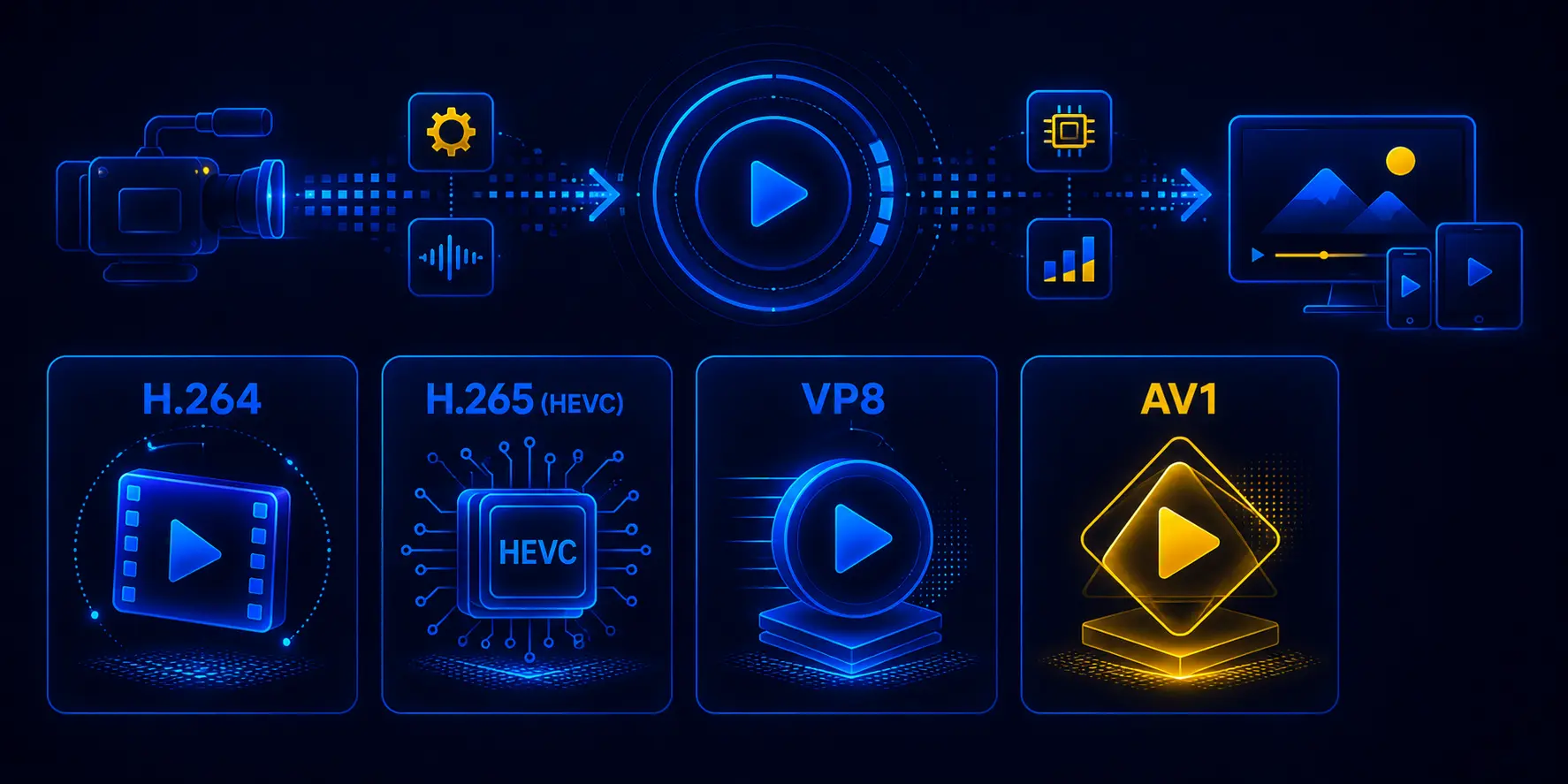
A video codec is a software or hardware algorithm that compresses and decompresses digital video for storage, transmission, and playback. Video codecs eliminate redundant pixel data within frames and across consecutive frames, reducing bitrates by 100:1 to 300:1 relative to uncompressed video. When a viewer watches a live stream, the video codec compresses the broadcast at the encoder side and decompresses it at the player — the entire process transparent to the viewer, operating in real time.
Video codec choice determines three things simultaneously in a live streaming deployment: the bitrate required to deliver a given quality level, the hardware needed to encode or transcode at scale, and the range of devices that can decode the output without additional software. The 5 video codecs most relevant to live streaming infrastructure in 2026 are listed below. For a deeper comparison across protocols and deployment scenarios, see the video codecs streaming guide.
H.264 (AVC)
H.264, formally MPEG-4 Part 10 Advanced Video Coding, is the most widely deployed video codec in streaming infrastructure worldwide. H.264 encodes 1080p60 video at 4–8 Mbps with hardware decoder support across every device manufactured since 2008 — smartphones, smart TVs, browsers, and set-top boxes. H.264 operates across RTMP, HLS, DASH, and WebRTC delivery paths, making it the lowest-risk codec choice for any deployment targeting a heterogeneous viewer device mix. Ant Media Server accepts H.264 via RTMP ingest from OBS, Wirecast, vMix, and XSplit, and delivers H.264 over WebRTC with sub-500ms glass-to-glass latency. For a full breakdown of profiles, levels, and encoder settings, read the H.264 encoding guide.
H.265 (HEVC)
H.265, or High Efficiency Video Coding, doubles the compression efficiency of H.264 — delivering equivalent perceptual quality at half the bitrate. H.265 encodes 1080p60 at 2–4 Mbps and supports resolutions up to 8K (8192×4320) with HDR and wide color gamut. The compression advantage makes H.265 the standard choice for 4K streaming and bandwidth-constrained CDN delivery at scale. The tradeoff is licensing complexity: H.265 royalty obligations span three separate patent pools (MPEG-LA, HEVC Advance, Velos Media), adding cost and legal overhead absent from royalty-free alternatives — a full breakdown is available in the H.265 licensing overview. Ant Media Server supports H.265 for HLS and DASH delivery, where the 40–50% bandwidth reduction directly lowers CDN cost per viewer-hour.
VP8
VP8 is a royalty-free video codec developed by On2 Technologies and open-sourced by Google in 2010. VP8 delivers compression efficiency slightly below H.264 — requiring 5–10 Mbps at 1080p60 — but carries zero licensing cost and predates the WebRTC standard, making it one of the two mandatory video codecs in all WebRTC-compliant implementations (RFC 7742). VP8 remains in active use in browser-to-browser WebRTC streaming deployments where the royalty-free model and universal browser support outweigh the bitrate overhead. Ant Media Server supports VP8 for WebRTC delivery paths alongside H.264.
VP9
VP9 is Google’s successor to VP8, achieving compression efficiency comparable to H.265 at 1.5x H.264 — delivering 1080p60 at 2.5–5 Mbps with no licensing fees. VP9 is royalty-free, open-source, and broadly supported across Chrome, Firefox, Edge, and Android devices from 2016 onward. YouTube uses VP9 as its primary delivery codec for desktop and Android streaming. In WebRTC contexts, VP9 offers a royalty-free path to H.265-level compression without the patent pool obligations, though its encoder complexity makes it more resource-intensive than H.264 at equivalent quality settings — see the VP9 compression details for benchmarks. Ant Media Server does not support VP9 — VP8 and H.264 cover the WebRTC delivery paths in Ant Media Server deployments.
AV1
AV1 is a next-generation royalty-free video codec developed by the Alliance for Open Media, delivering 2.0–2.5x the compression efficiency of H.264. AV1 encodes 1080p60 at 1.5–3 Mbps and 4K HDR at bitrates H.264 requires for 1080p — making it the leading codec for OTT platforms targeting 4K delivery at scale. AV1 is royalty-free under a BSD-style license with no usage fees across any deployment volume. Hardware decoder support has expanded significantly since 2020, covering most devices manufactured from 2022 onward. Software AV1 encoding carries a higher computational cost than H.264 at equivalent quality, though hardware encoders (NVIDIA RTX 40-series, Intel Arc) narrow the gap where available. Ant Media Server supports AV1 with no hardware encoder requirement. For teams tracking what comes after AV1, the next-generation codecs guide covers VVC/H.266 and its projected compression gains.
Commonly Used Audio Codecs
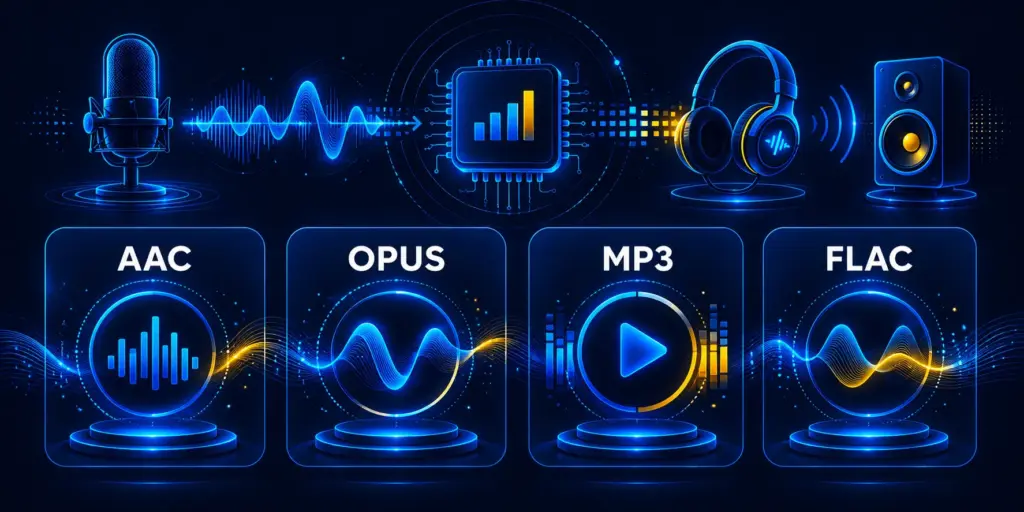
An audio codec is a software or hardware algorithm that compresses and decompresses digital audio for streaming, storage, and real-time communication. Audio codecs analyze the audio signal, apply psychoacoustic models to remove frequency components below human perception thresholds, and output a compressed bitstream at a fraction of the original PCM data volume. An uncompressed stereo audio stream at 44.1 kHz and 16-bit depth requires 1.4 Mbps — audio codecs reduce this to 64–192 kbps for streaming delivery without perceptible quality loss.
In a live streaming pipeline, audio codec selection affects two variables independently from video: algorithmic latency and device compatibility. For HLS and DASH delivery where several seconds of buffer latency already exist, codec algorithmic delay is irrelevant. For WebRTC sub-500ms delivery, a 40ms audio codec delay consumes 8–10% of the total latency budget — making codec selection a meaningful architectural decision. For a side-by-side comparison of AAC against Opus and other audio codecs by use case, see the best audio codec guide. The most used audio codecs in streaming infrastructure are listed below.
AAC (Advanced Audio Coding)
AAC is the standard audio codec for HLS and DASH delivery, providing 25–30% better compression than MP3 at equivalent perceived quality. AAC delivers transparent stereo audio at 128 kbps — the bitrate at which blind listening tests show no statistically significant preference over uncompressed audio for typical music content. AAC’s 20–40ms algorithmic latency from its Modified Discrete Cosine Transform (MDCT) window makes it unsuitable for WebRTC real-time applications, but the delay is irrelevant in HLS streams where playback buffer latency is measured in seconds. AAC is the mandatory audio codec for Apple’s HLS standard and is natively supported on every mobile operating system, browser, and connected TV platform in active production deployment.
Opus
Opus is a royalty-free audio codec developed by Xiph.Org and standardized by the IETF (RFC 6716), designed for real-time communication and network-adaptive streaming. Opus dynamically adjusts bitrate from 6 kbps to 510 kbps within a single stream and achieves algorithmic latency as low as 2.5ms at minimum frame size — the lowest latency floor of any standardized audio codec. Opus handles both speech content (using the SILK algorithm derived from Skype’s codec) and music content (using the CELT algorithm) within a single encoder, switching modes automatically based on signal characteristics. WebRTC mandates Opus support in all compliant browser implementations per RFC 7874. Ant Media Server uses Opus for WebRTC audio delivery, where its network-adaptive bitrate and sub-5ms latency contribution enable the overall sub-500ms glass-to-glass latency target.
MP3 (MPEG-1 Audio Layer III)
MP3 is the MPEG-1 Audio Layer III codec standardized in 1993, achieving 10:1 compression relative to uncompressed PCM audio at 128 kbps. MP3 built the digital audio distribution market and retains near-universal decoder support across legacy hardware, embedded systems, and broadcasting workflows. MP3 is accepted as RTMP audio ingest by Ant Media Server for compatibility with encoders that output MP3 rather than AAC. For new streaming deployments, AAC delivers better quality at equivalent bitrates and Opus delivers lower latency — MP3 offers no technical advantage over either in modern streaming infrastructure. Its relevance is compatibility, not performance.
FLAC (Free Lossless Audio Codec)
FLAC is a lossless audio codec that compresses audio without discarding any data, enabling perfect reconstruction of the original PCM signal at the decoder. FLAC achieves 2:1 to 3:1 compression ratios — significantly less than lossy codecs — but preserves the full audio fidelity required for professional archival, mastering workflows, and audiophile playback. FLAC is not used in live streaming delivery paths where bandwidth efficiency is a constraint, but appears in VOD streaming archival storage and professional content distribution workflows where lossless source preservation is the requirement.
Frequently Asked Questions
What is a codec in simple terms?
What is the difference between a codec and a container format?
Which video codec is best for live streaming in 2026?
What codec does WebRTC use?
What is the difference between lossy and lossless codecs?
Does codec selection affect streaming latency?
What is GPU-accelerated transcoding and when does it matter?
Conclusion
Codec selection in live streaming governs three independent variables simultaneously: bitrate efficiency, encoding latency, and device decoder compatibility. H.264 at zero-latency encoder settings and Opus audio define the baseline for sub-500ms WebRTC delivery. H.265 halves the bandwidth cost of H.264 for HLS distribution at scale. AV1 leads in compression efficiency for OTT platforms targeting 4K at low bitrates. Ant Media Server supports four video codecs — H.264, H.265, VP8, and AV1 — alongside Opus and AAC audio, with GPU-accelerated transcoding across RTMP, WebRTC, HLS, DASH, and SRT protocol paths.
Teams building or migrating streaming infrastructure can validate codec transcoding throughput, adaptive bitrate switching behavior, and WebRTC Opus latency against their specific hardware configurations through the Ant Media Server 14-day free trial.